


Alpha Data
The Alpha Data prompt allows the user to enter additional details for the tenders applied on the check. If the Prompt for Alpha data checkbox is enabled for the respective tender in the Tender menu in IGCM, the Alpha Data prompt appears once the check is tendered.
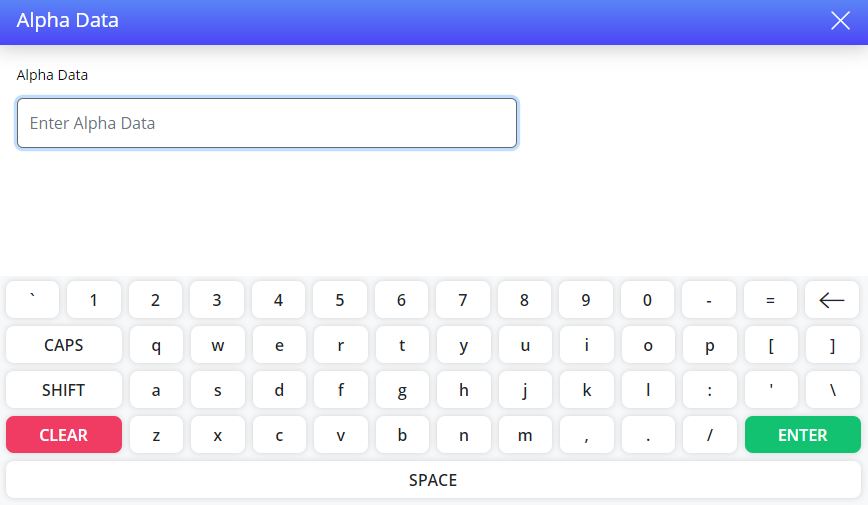
Enter the alpha data. The field supports up to 50 alphanumeric characters.
Select Enter. The check is tendered successfully.
Terminal Options Supported
|
Terminal Option |
Description |
|---|---|
|
1166 (Prompt for server when tendering a check) |
If this terminal option is enabled, the prompt for server appears when the first tender is applied to a check. This is mostly used in room service environments. |